
Setup your AI assistant
Follow these simple steps to get started with your AI-powered learning center.
Create your account
- Visit the Signup page (opens in a new tab)
- Sign up using your business email.
- You will be redirected to the onboarding page, where it will extract basic information about your product and your default learning center domain.
- Provide basic details about your organization, in order to help us personalize your experience.
Complete Onboarding
You will be navigated to the dashboard, where you can complete the next set of setup steps.
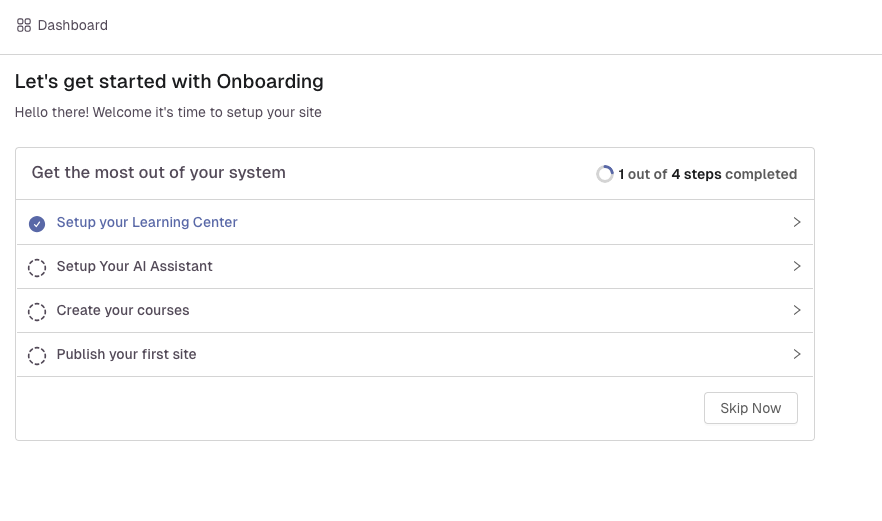 The onboarding dashboard shows your pending setup steps
Start building your AI assistant
Now that your account is set up, you're ready to start building your AI assistant. You can customize your assistant's personality, configure knowledge sources, and begin adding your documentation content.
Navigate to the knowledge sources section to add your documentation and start training your AI assistant.
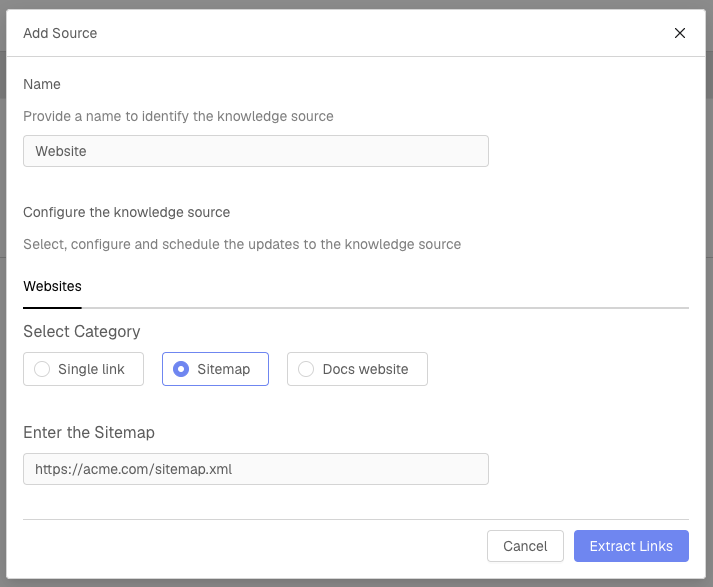 The knowledge sources section where you can add your documentation
Currently you have the option to add sitemap of your website or documentation site, or just the link of your docs website and we will crawl your site to find all the links, and you can always go ahead and select the links that you want to include.
Customize your assistant's personality
You can customize your assistant's personality, tone, and response style to match your brand voice and user expectations.
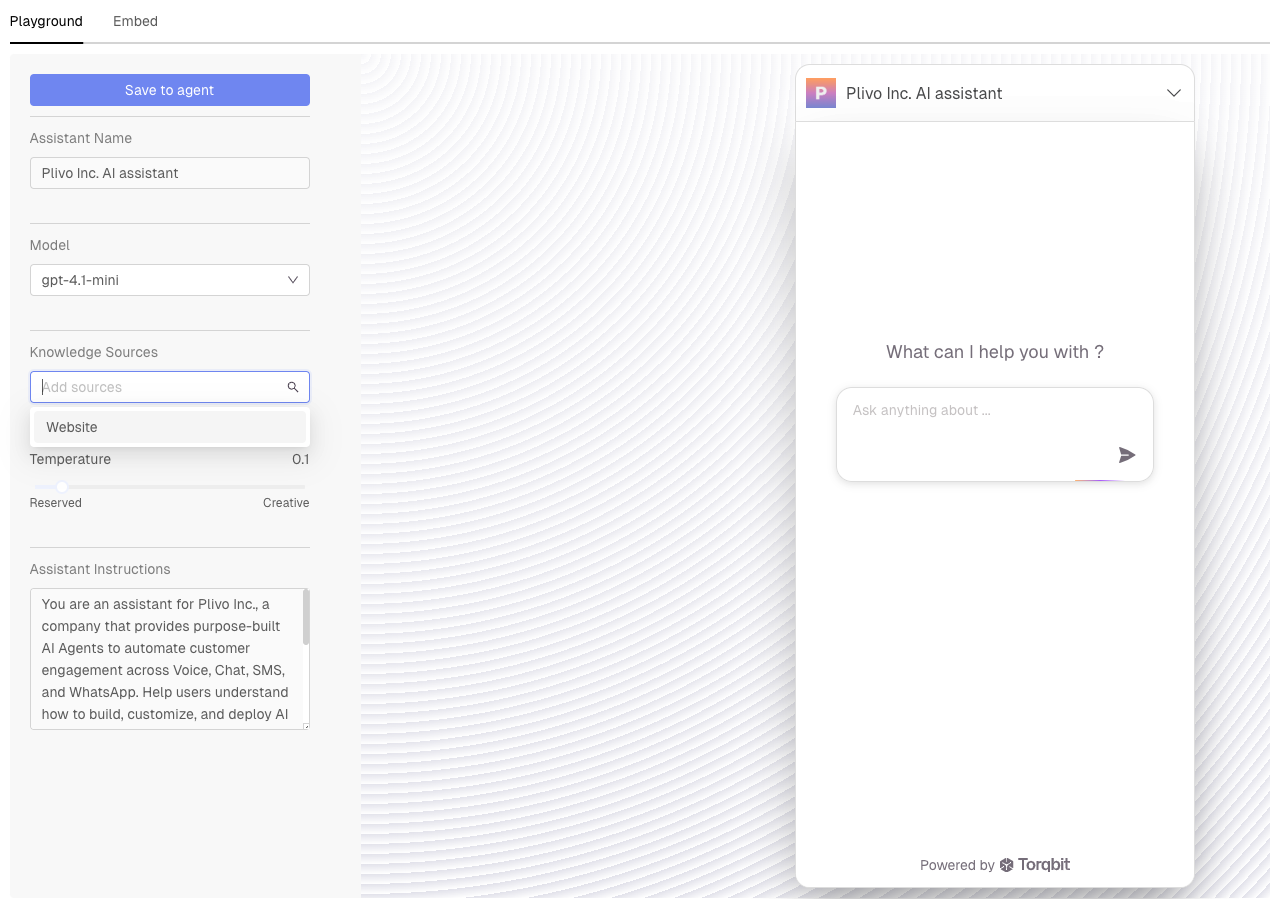 Customize your assistant's personality and tone
Embed your AI assistant
Once your assistant is configured, you can embed it into your documentation website to provide instant answers to user questions.
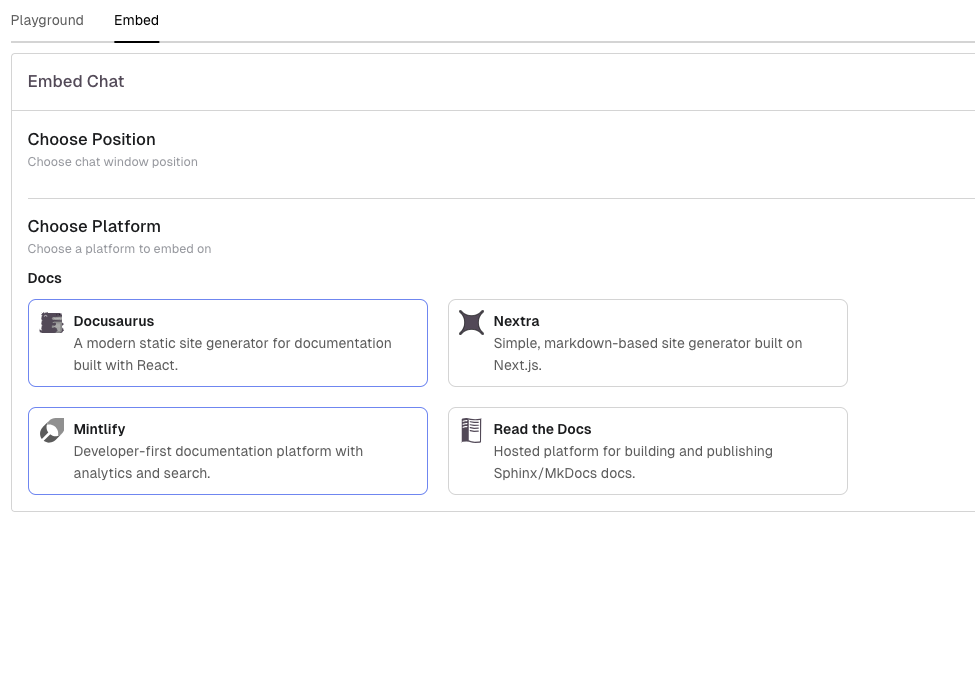 Example of the embed code you'll receive
Next, we will show you how you can set up your product academy for onboarding clients.